How do I recover my username or reset my password?
Recovering Your Username
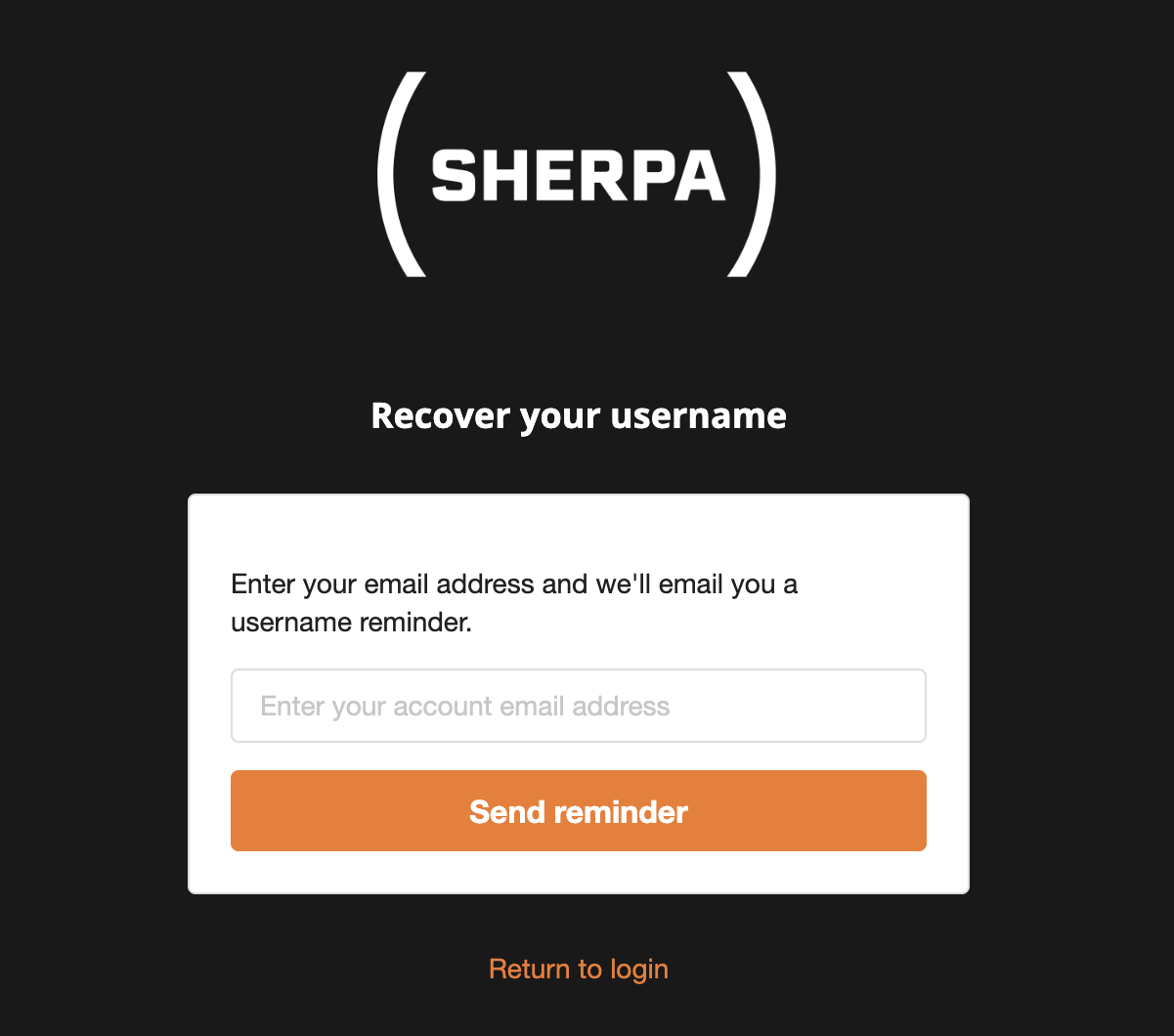
If you have forgotten your username you can have a reminder sent to the email address associated with your account.
Either click on the Recover username link on the Sherpa website login page or you can navigate to the page directly using the link below.
http://sherpa.escape-technology.com/username/recover
Recovering Your Password
If you have forgotten your password you will have to reset it. To begin the process either click on the Recover password link on the Sherpa website login page or navigate to the page directly using the link below.
http://sherpa.escape-technology.com/password/reset
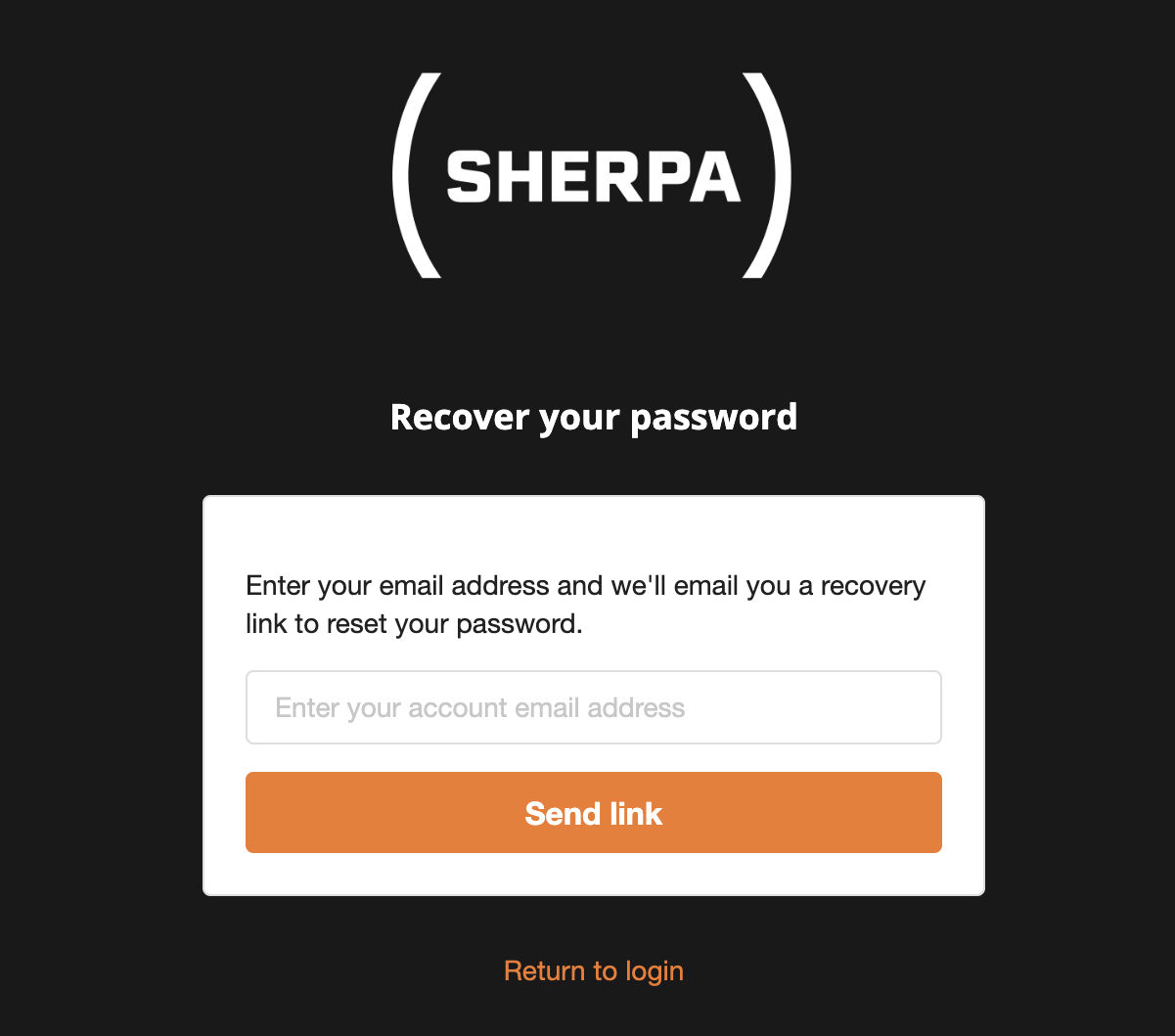
Once you have submitted the form we will send a reset link to your email address. Clicking on the reset link will take you to a form where you can update your password to one you can remember.
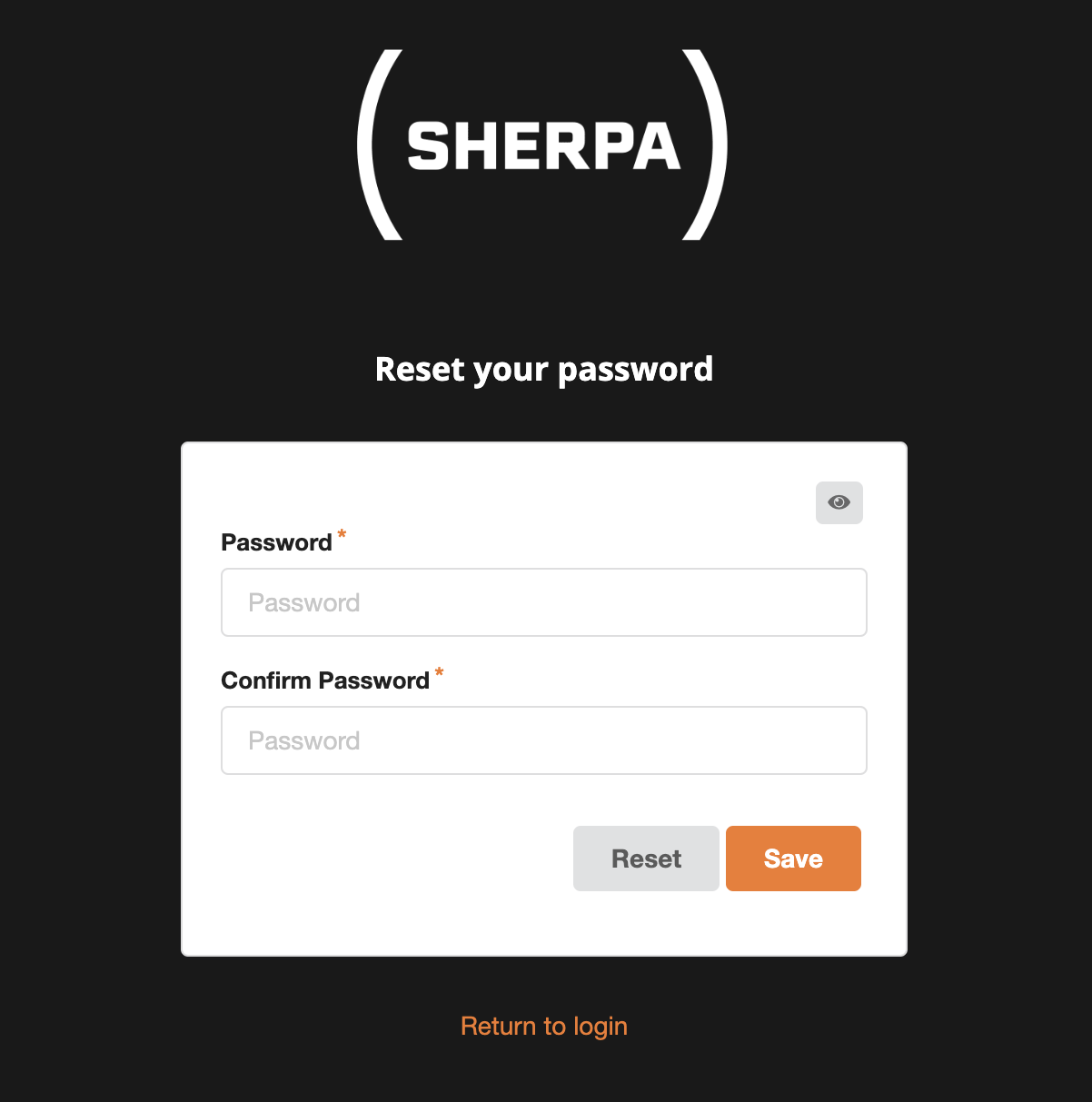
The password you choose must meet the following requirements:
- Be at least 8 characters long
- Contain at least 1 uppercase letter
- Contain at least 1 lowercase letter
- Contain at least 1 number
- Contain at least 1 special character
- Not have a period (full stop) as the final character