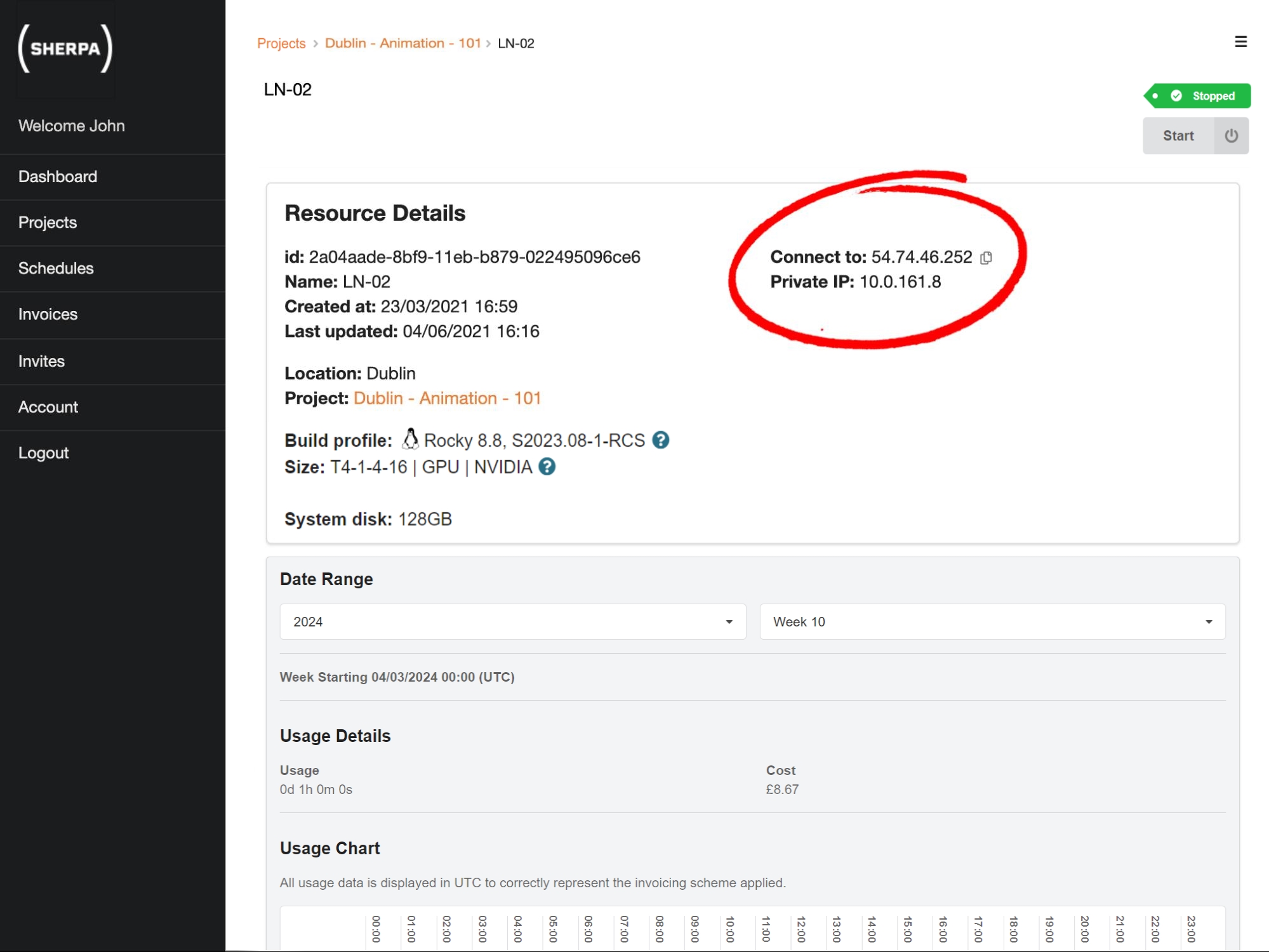
How do I see information about my Sherpa workstation?
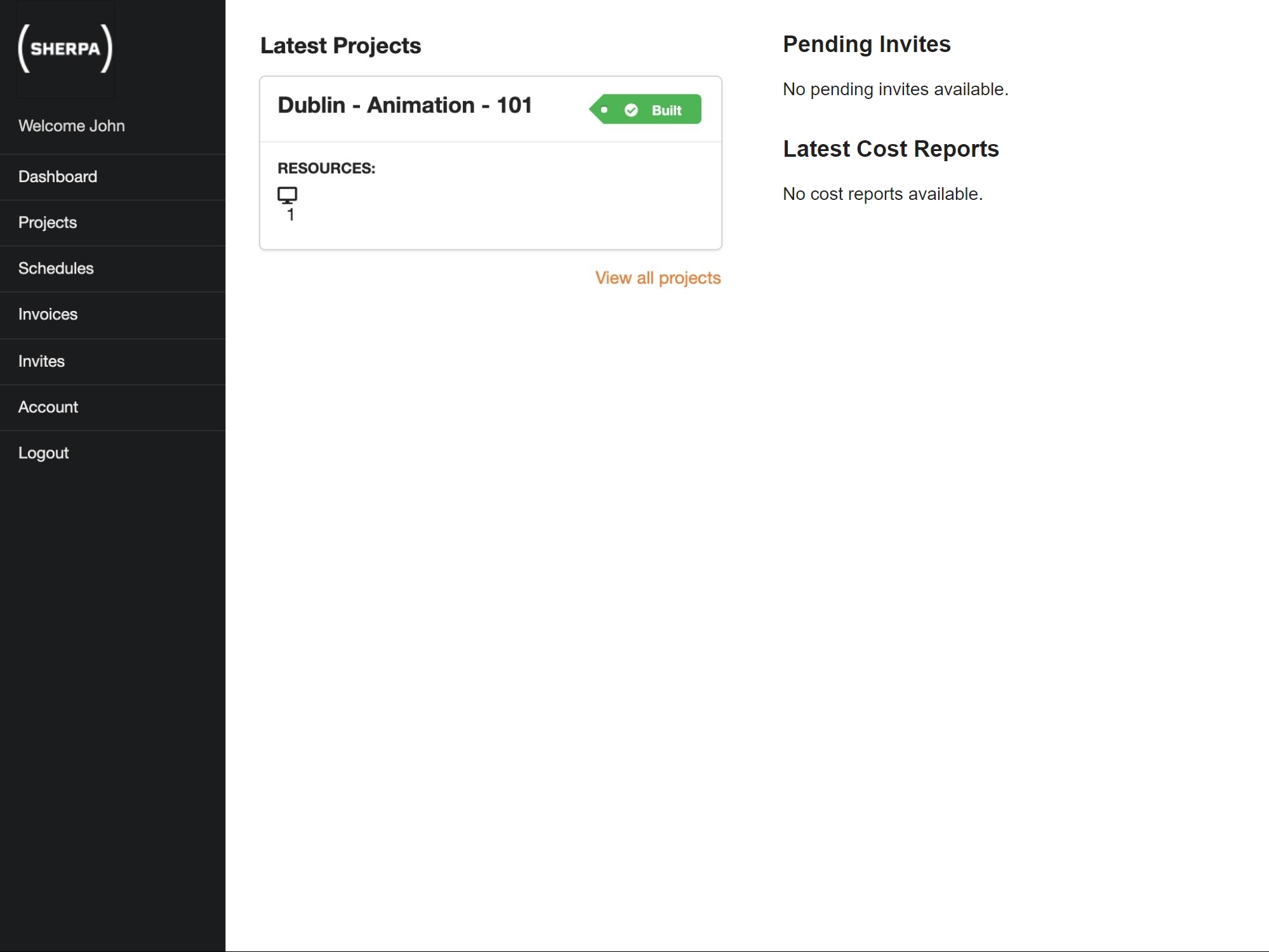
To view details about your workstations you must first navigate to the project that contains the workstation you want to view. Your Dashboard contains quick links to your recent projects, if the project you want is available simply click the project card to be taken directly to the project details.
Alternatively click the Projects link in the main menu. This will take you to a list of all projects to which you have access. Select a project to see further information about that project.
From the project details page you will be able to view details for each of your workstations.
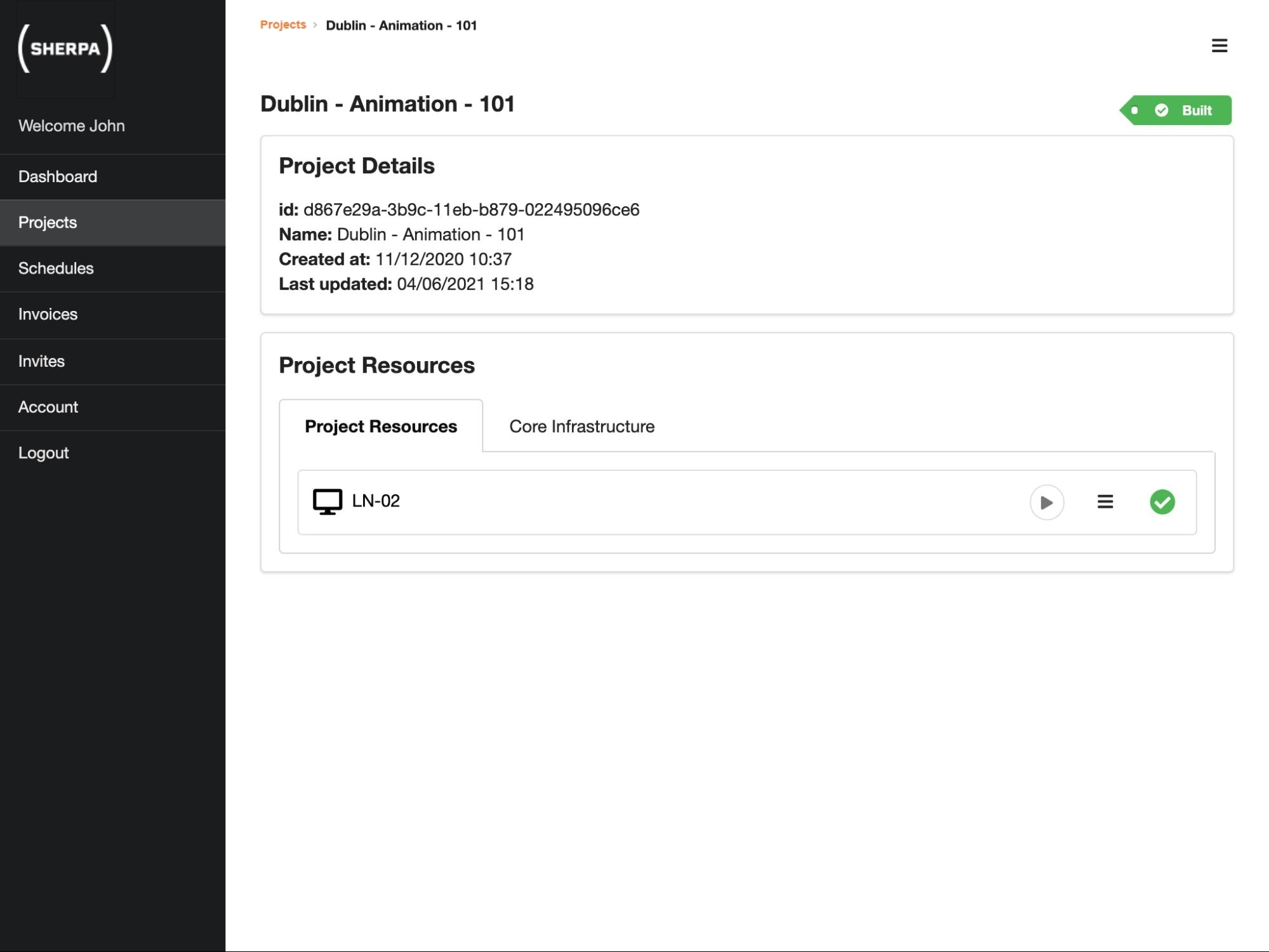
Click on a workstation to see further information about that workstation. You will need the Connect to IP address in order to connect to your workstation.