How do I accept an invitation to a Sherpa workstation?
When a Sherpa administrator invites you to a workstation you will be sent an email. You can accept the invite using the link in the email or you can log into your Sherpa account.
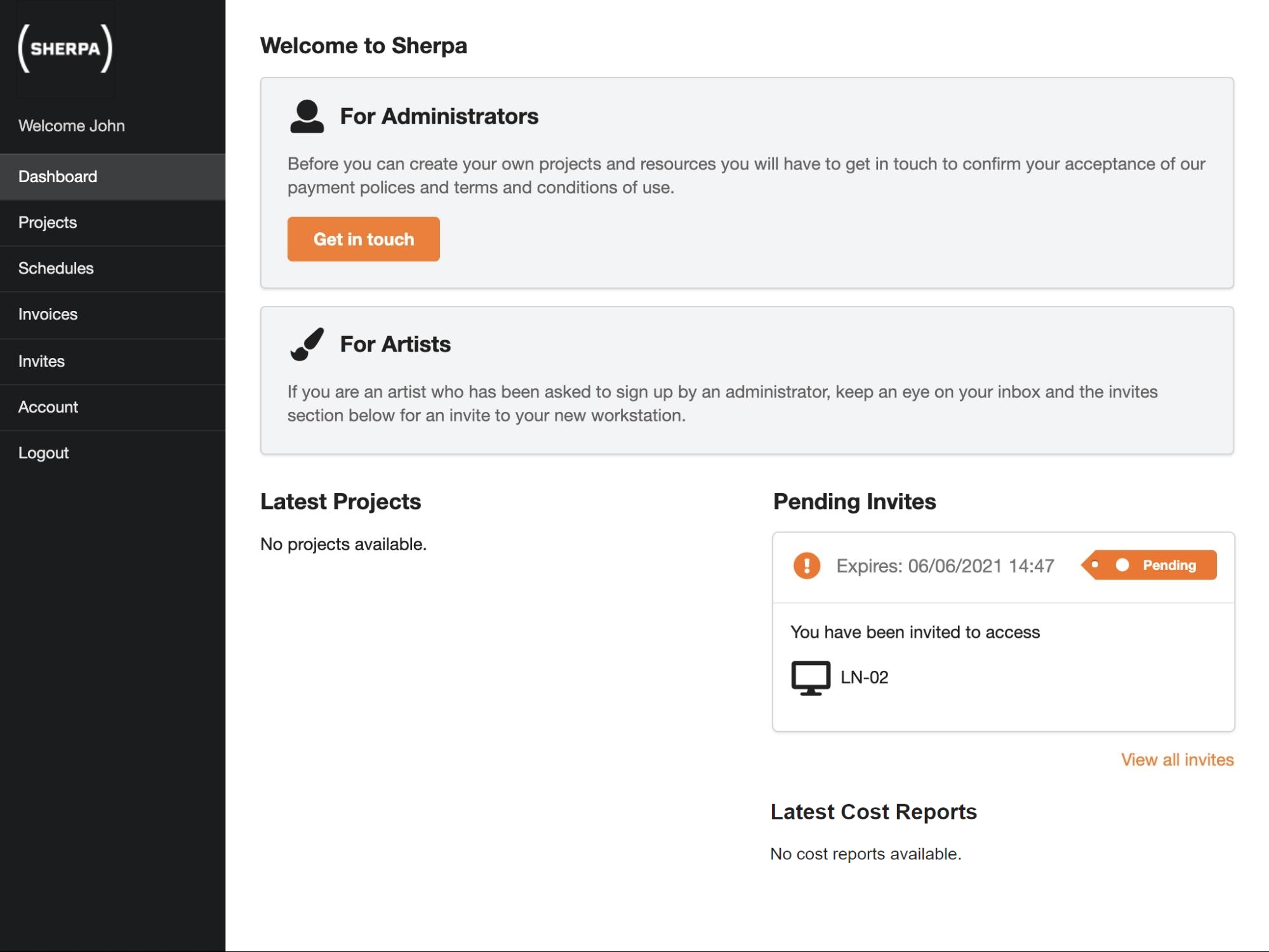
If you log into your Sherpa account you will see any outstanding invites on your dashboard.
Click on the invite that you want to accept, and you will be taken to a form that will ask you to confirm your password.
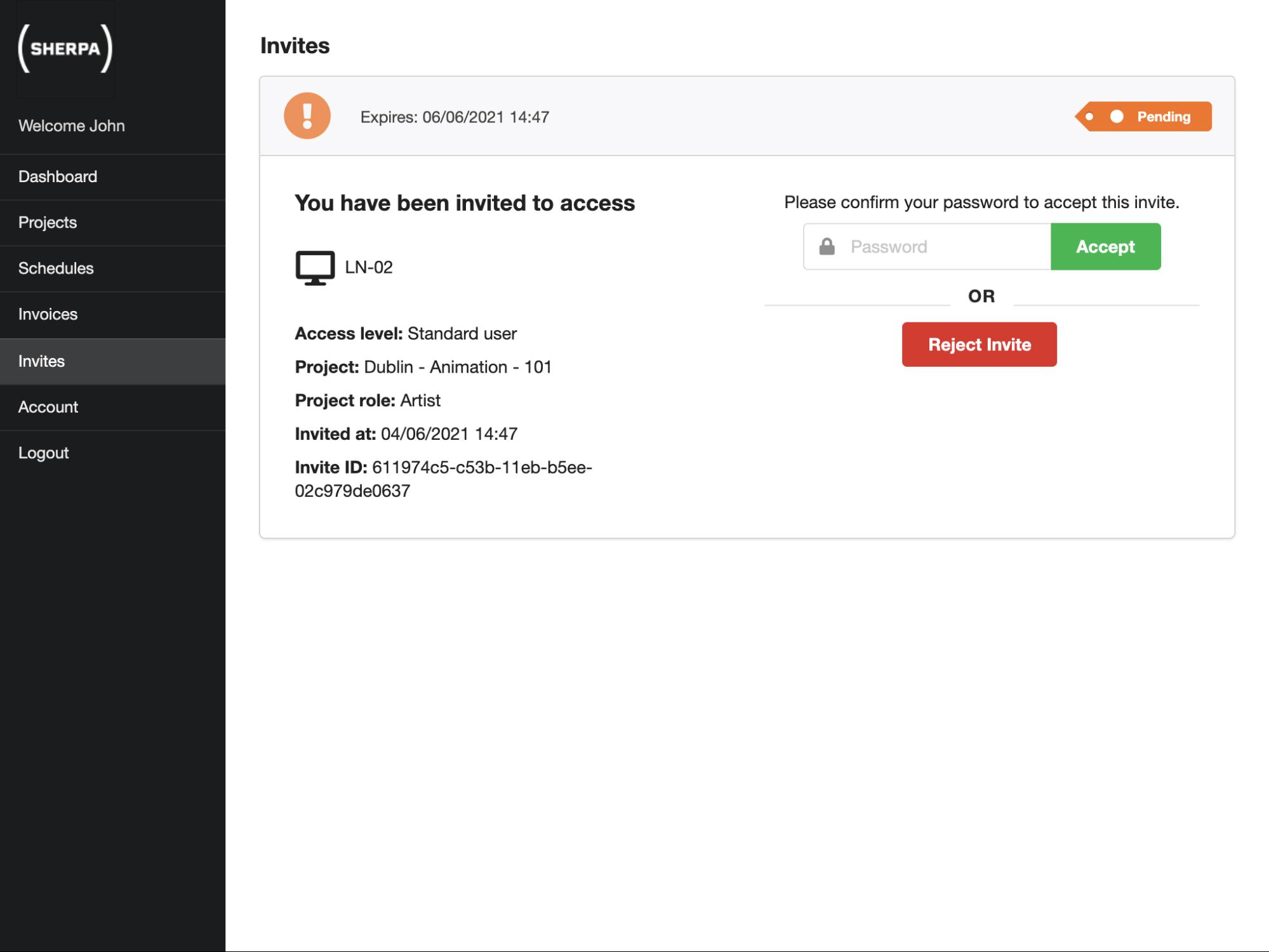
Once you have accepted the invite, by typing in your password, you can click on the name of your workstation to see further details about your workstation.
If you do not accept your invite within 48 hours, it will expire and a new invitation will have to be sent.