How do I sign up to Sherpa?
Before you can connect or accept invites to your workstations you need to sign up for an account on the Sherpa website. If you are an admin and actually want to create infrastructure in a Sherpa project you will have to contact the Escape Technology sales department to sign up to the Sherpa Terms & Conditions.
Go to the Sherpa website
You can access Sherpa via this link https://sherpa.app.escape-technology.com/
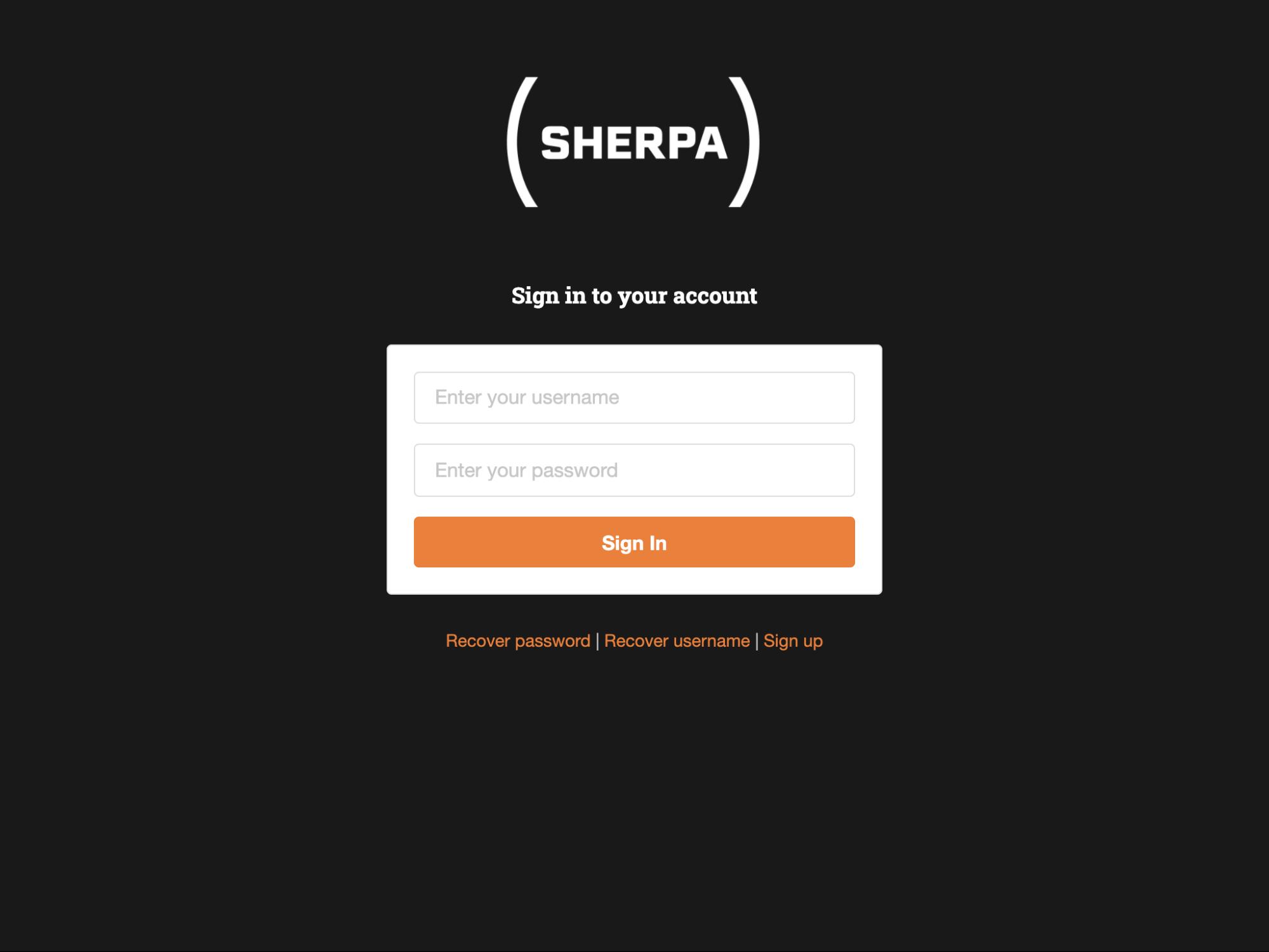
Either click on the “Sign up” link on the Sherpa website login page or you can navigate to the page directly using the following link, https://sherpa.app.escape-technology.com/signup
Fill in your details and submit the sign-up form.
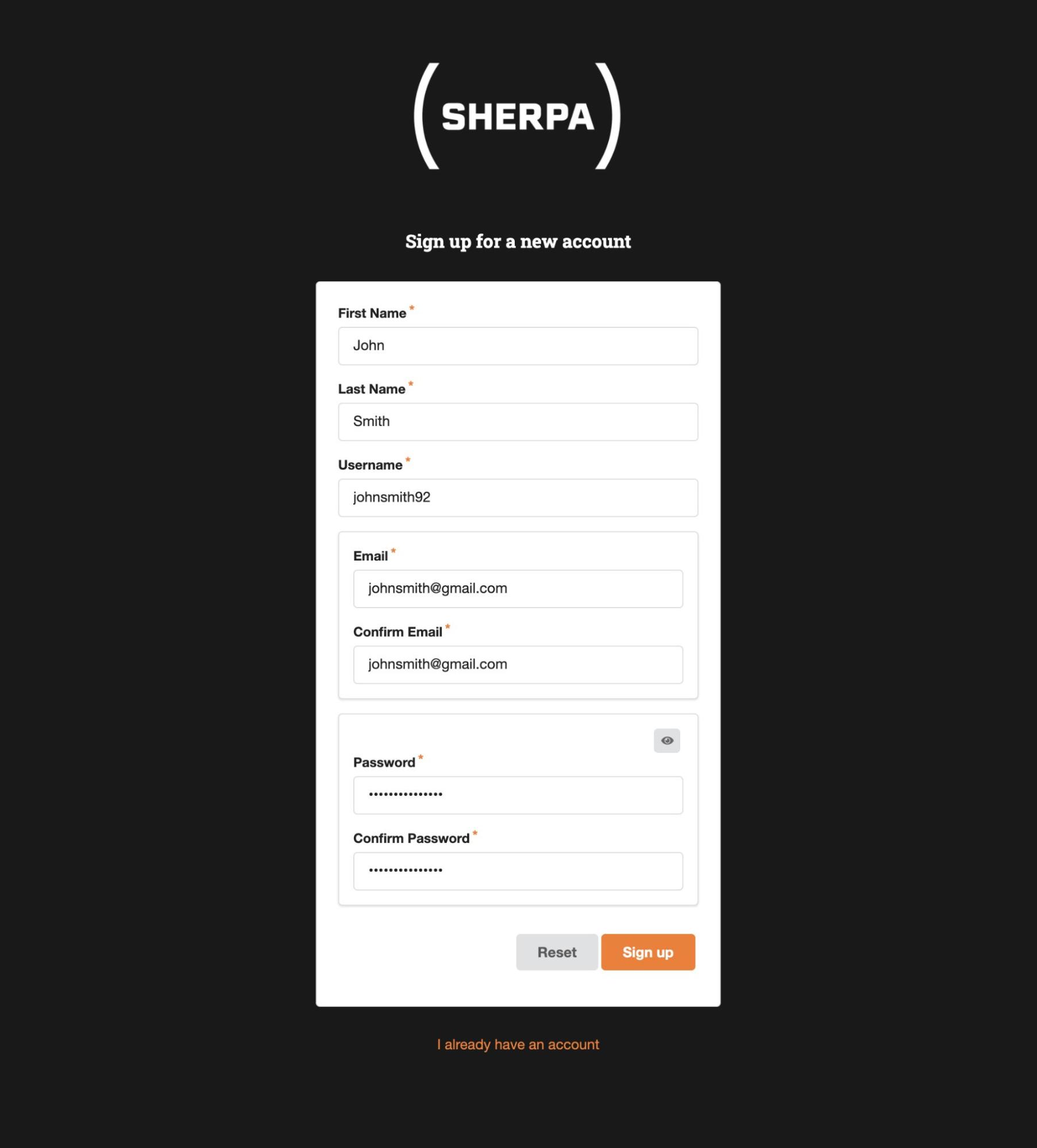
The email address that you enter here will be the one that your administrator will use to invite you to your workstation and other project resources. This email address will also be used for Sherpa account recovery purposes if needed.
The username and password you enter here will be the ones you will use to sign in to both your workstation and the Sherpa website.
The password you choose must meet the following requirements:
- Be at least 8 characters long
- Contain at least 1 uppercase letter
- Contain at least 1 lowercase letter
- Contain at least 1 number
- Contain at least 1 special character
- Not have a period (full stop) as the final character
Verify your Sherpa account
Once you have submitted the form a verification email will be sent to the email address you registered. You will need to click the Verify your account link in that email in order to complete the signup process.
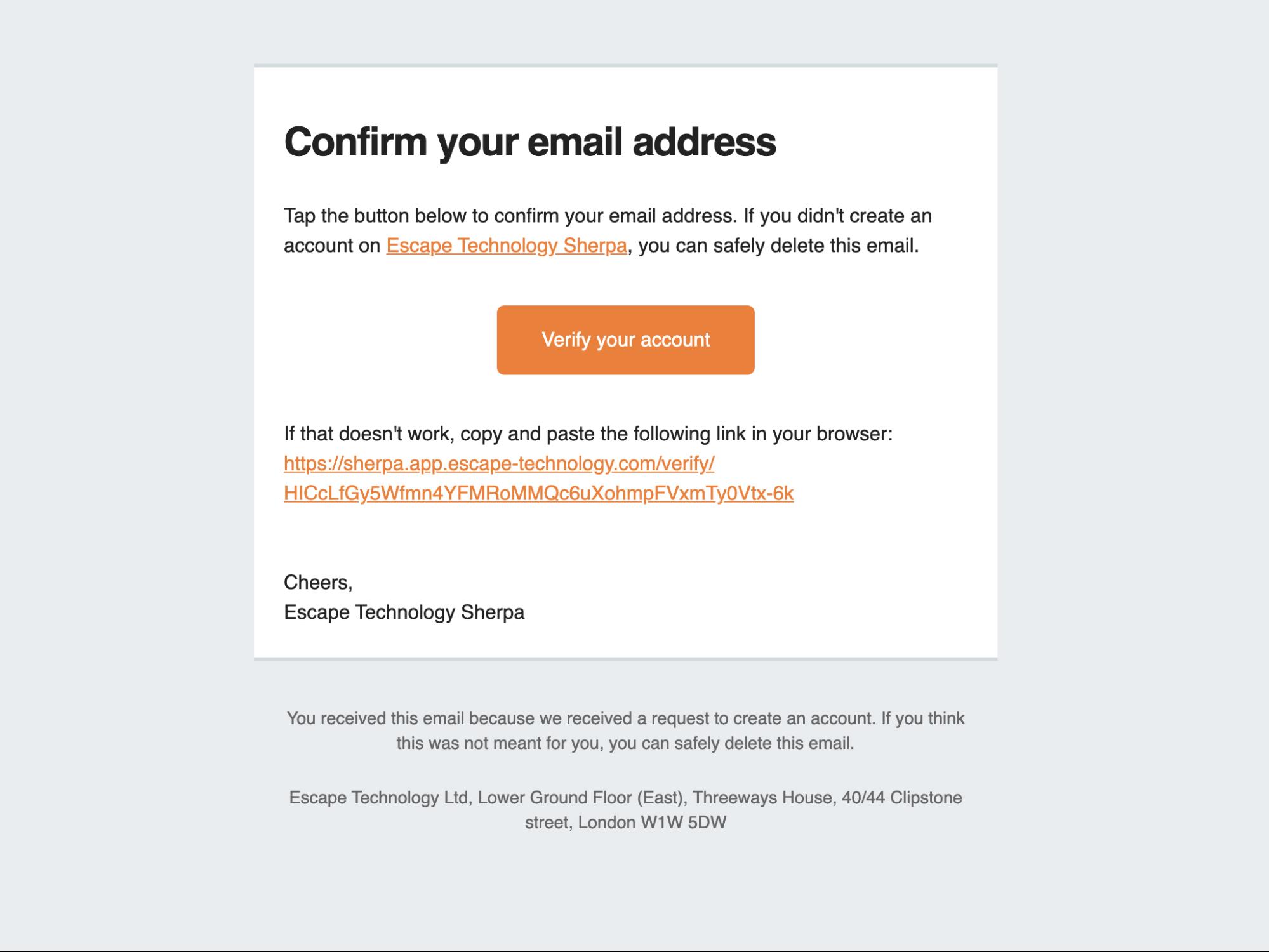
If you have a problem with this verification process or you feel you have not received your verification email, please contact support@escape-technology.com.
Logging in for the first time
You should now be able to log in to the Sherpa website using the username and password you signed up with.
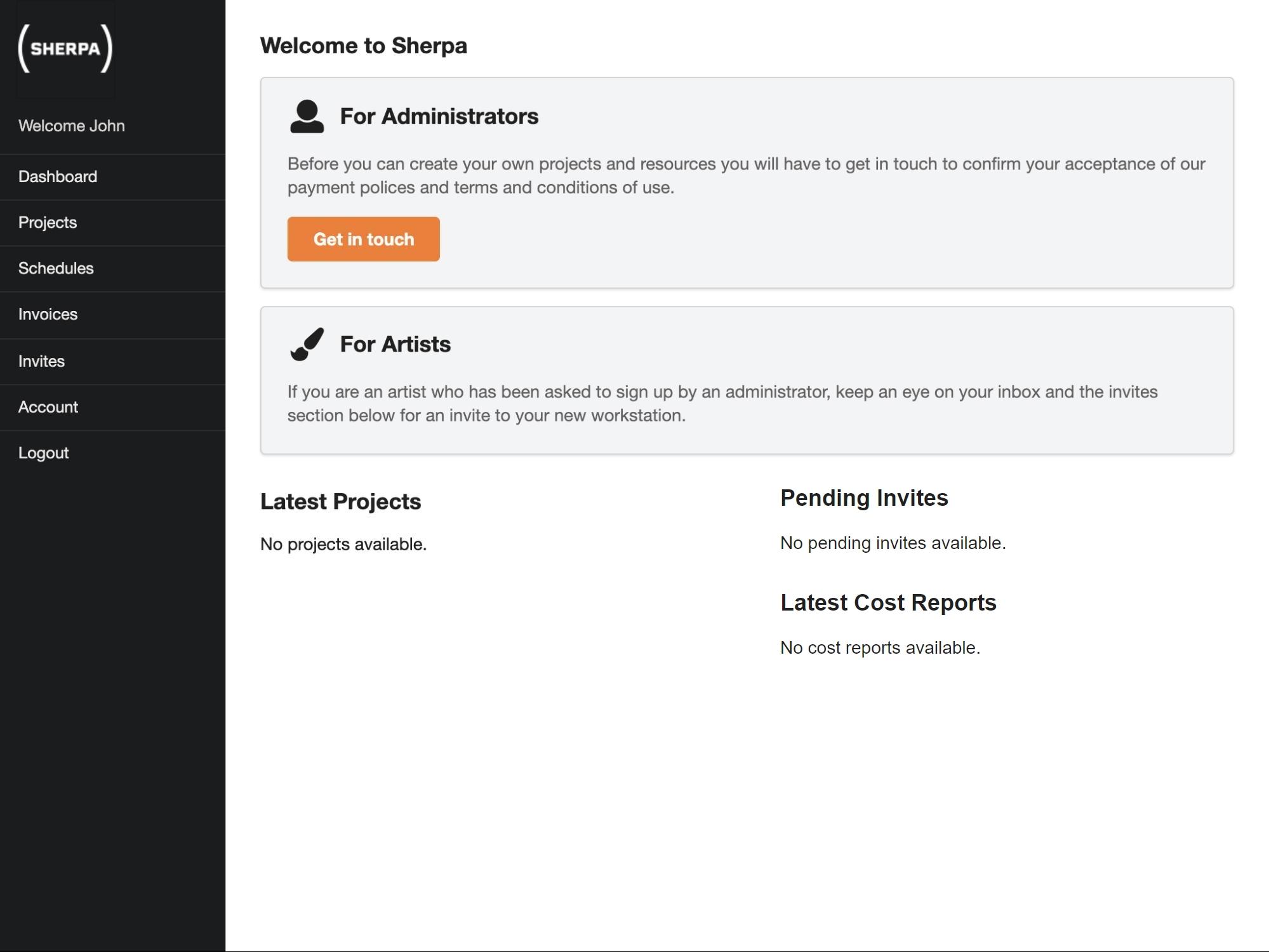
When you first log in you will be presented with your Dashboard. The dashboard gives you a quick overview of your Sherpa account and the projects, resources and invites that you have available.
Initially, this will be empty.