Managing user’s invitations and project roles
Reviewing current users
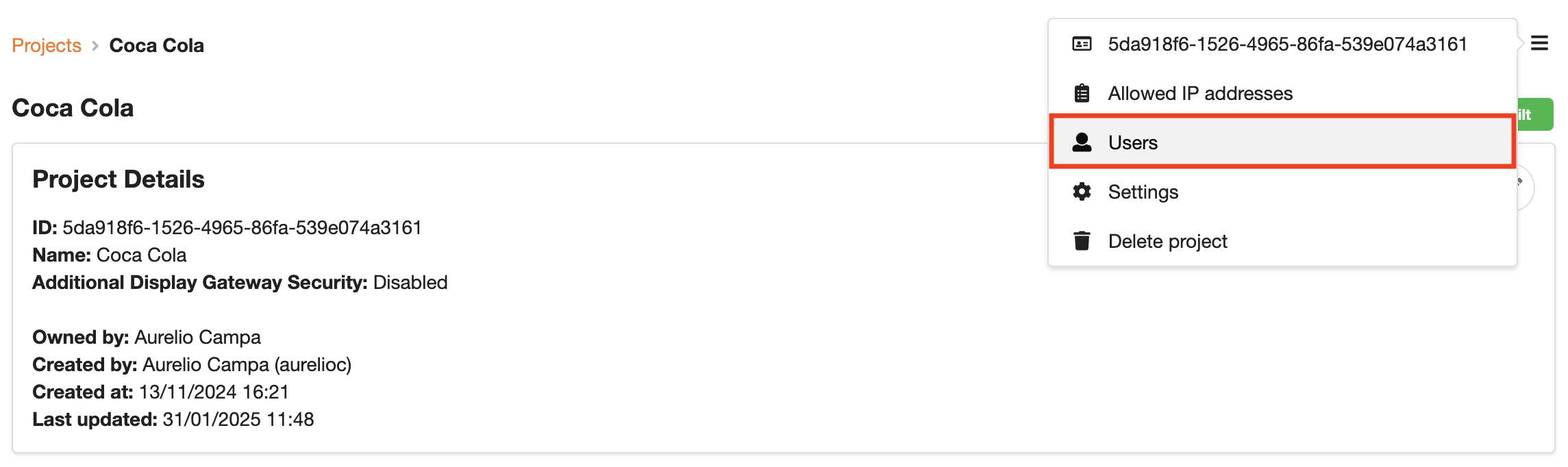
It is wise to review the users associated with your project on a regular basis. This can be done by selecting Users in the dropdown on the Project Details page:
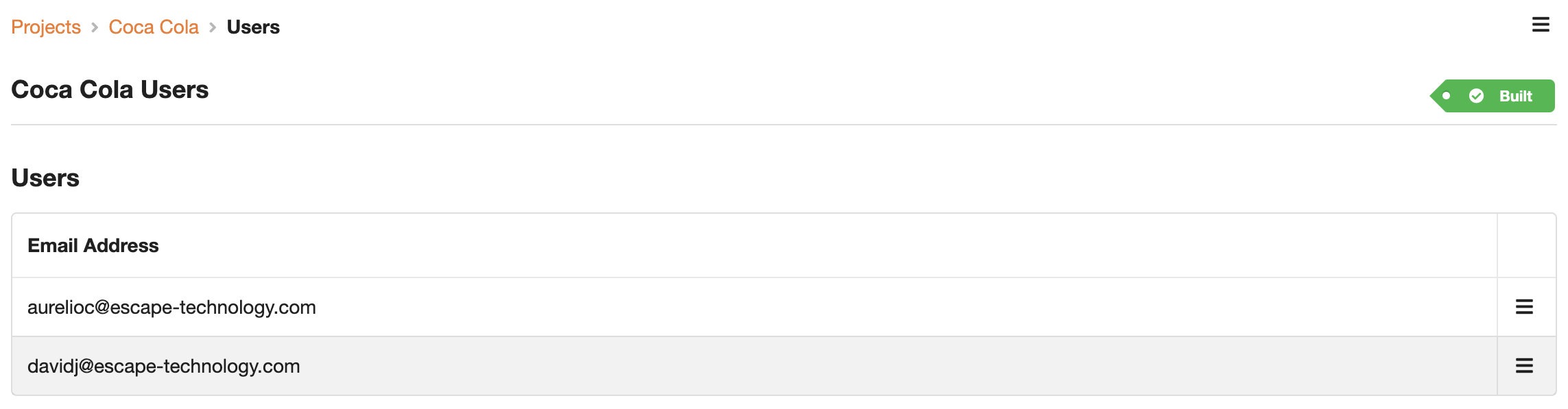
Doing so will reveal a list of users associated with the project:
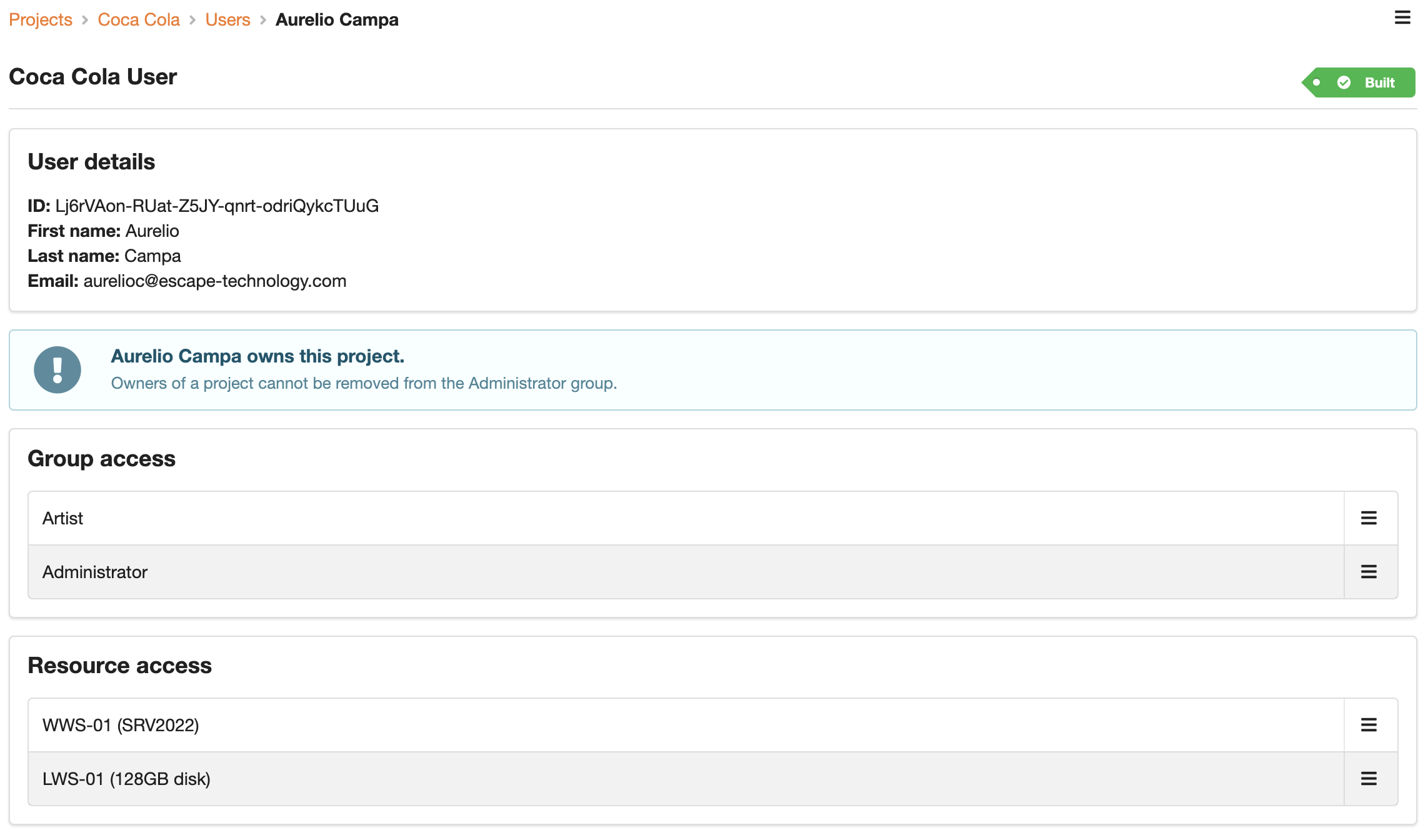
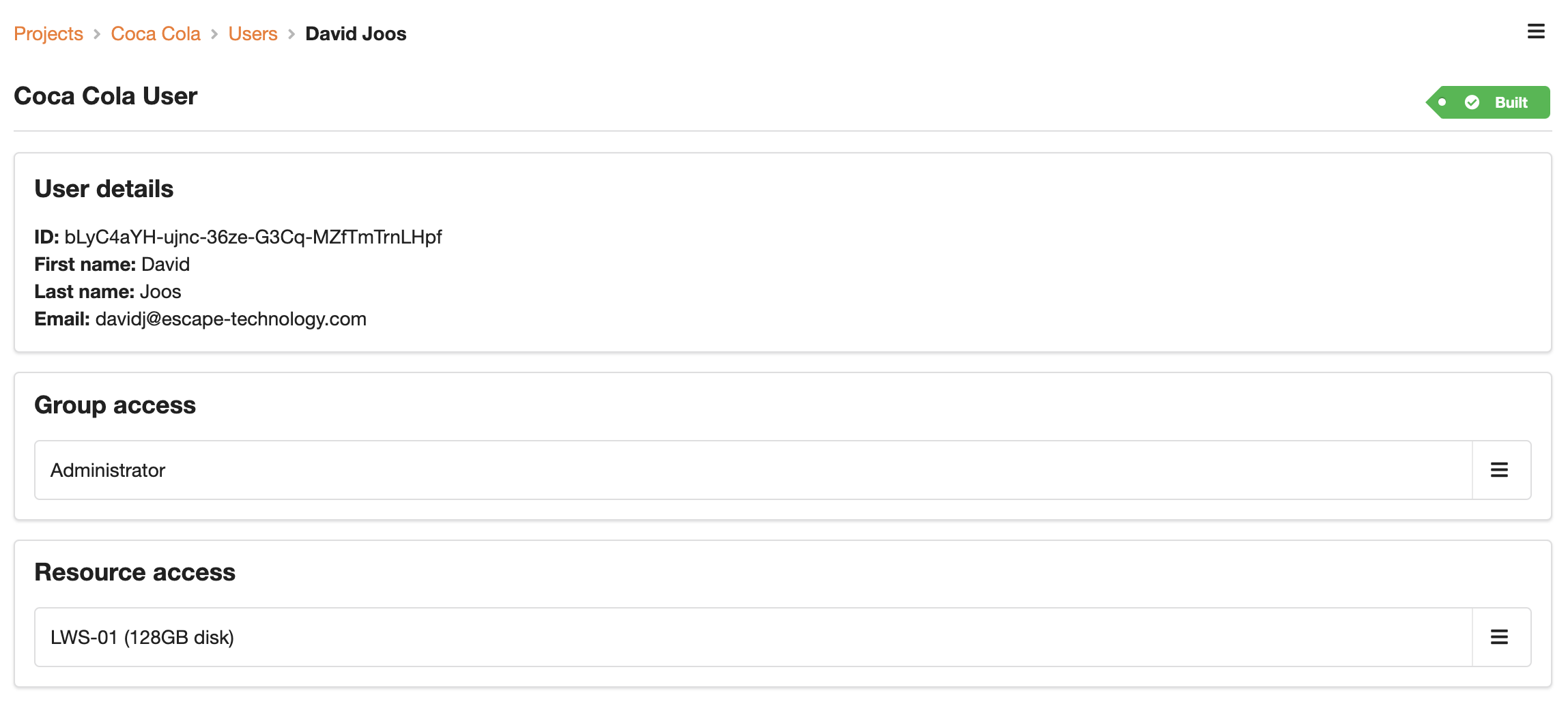
Selecting a user will reveal the roles the user has on a project and the workstations the user has been invited to:
Removing a user
If you want to remove a user completely from a project you need to remember to remove the user’s access to the resource/workstation and the group/project role.
Deleting resource/workstation access

Deleting group/role access
